 ComicPrince
Turn a shelf of comics into eBay listings — fast.
Snap a cover. ComicPrince reads it with AI, identifies the issue, prices it against the guide, and writes the listing. Export an eBay-ready file and upload it to your own store.
No API keys to manage. No eBay account access required — you stay in control.
Try it
Drag a cover into the queue
Three real books off our shelf. Drag one into the drop zone (or tap it) and watch the listing get built — this is a replay of ComicPrince's actual output for these exact comics.
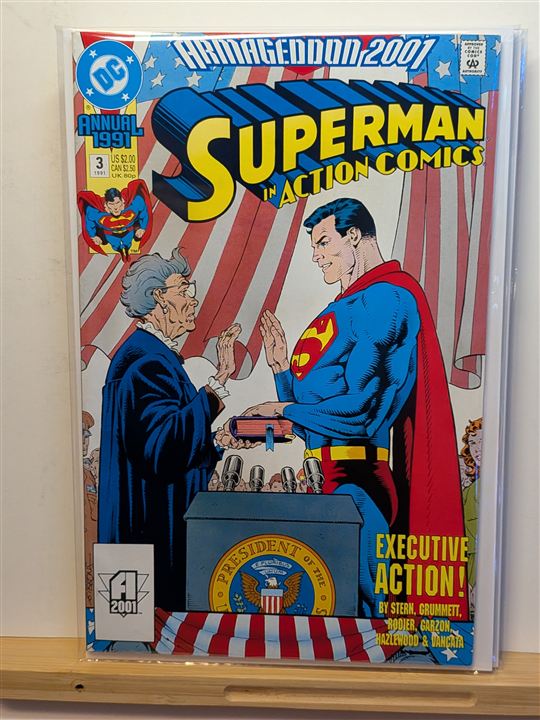
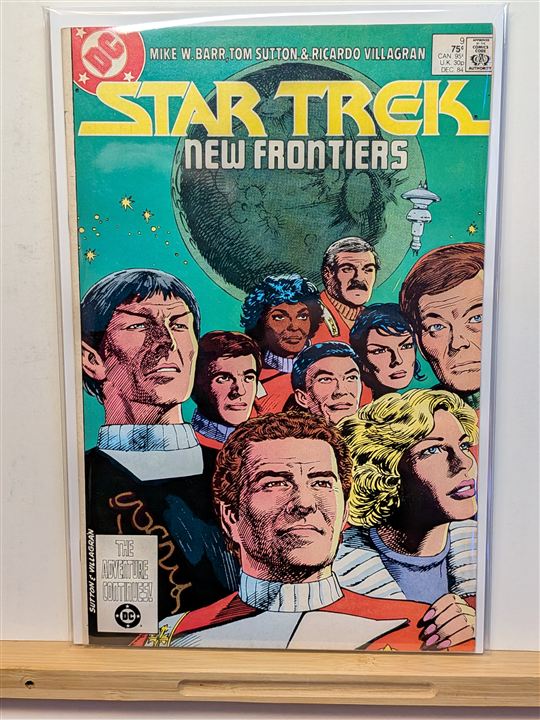
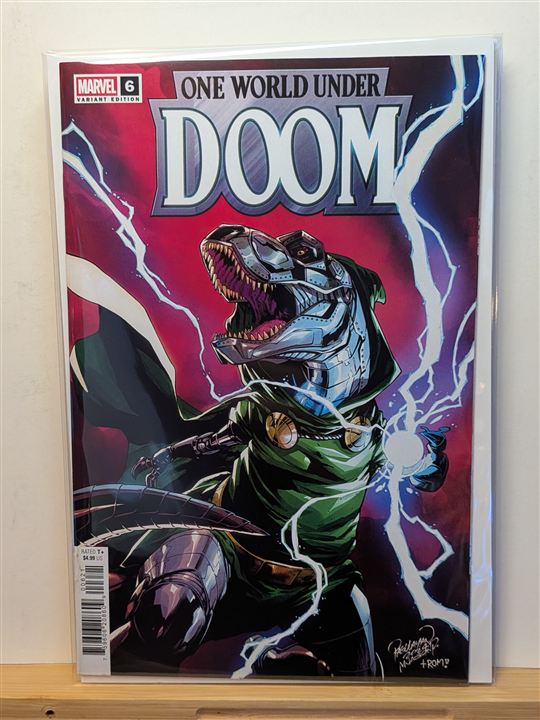
Demo — a staged replay of real ComicPrince results for these three books. Your covers get the live AI: create a free account (300 books on us).
Make it yours
Your store’s voice, on every listing
Set your store name, build a title format from tap-to-insert fields, and write a description skeleton the AI fleshes out in your tone. Your templates sync to your account and follow you across devices.
👉 Try it live — tap the fields and edit the format; the preview updates instantly. (Sample book: Amazing Spider-Man #300.)
What it does
Listings built for you, not by hand
Every step from photo to eBay draft, handled — so a full long box becomes a batch of listings in minutes instead of an afternoon.
AI reads the cover
Point a camera at the cover. The AI pulls the title, issue number, publisher, and year — reading the barcode first for accuracy, then the art and text.
Price-guide pricing
Each book is matched to its price-guide value and scaled to condition, so your Buy-It-Now starts from a real number — not a guess.
Catalog-verified titles
Titles are cross-checked against the Grand Comics Database, and each photo is compared to the catalog cover so mismatches get flagged for review.
Batch review workflow
Work a whole box at once. Flagged books surface for a quick look; approve the rest with one click. Nothing lists until you say so.
eBay-ready export
Download a file formatted for eBay’s bulk upload — titles, descriptions, prices, and SKUs — plus optional renamed photos, zipped.
Prospector beta
Sort a long box without touching a keyboard. Point a camera at the surface, drop books down one after another, and Prospector photographs and identifies each one automatically — calling it Bulk, List, or Premium with a different chime for each, so you can sort by ear. Send the keepers straight into your listing queue, already identified.
You keep control
ComicPrince never touches your eBay account. It builds the file; you review and upload it to your own store on your terms.
How it works
Three steps, one long box at a time
No training, no spreadsheets. If you can take a photo, you can list.
Photograph the covers
Snap each cover with your phone or a stand camera and drop the photos in. Do one book or a whole batch.
AI builds each listing
Titles, descriptions, condition, and price-guide pricing are filled in automatically — with anything uncertain flagged for you.
Review & export to eBay
Skim the flags, approve, and export the eBay upload file. Upload it to your own store and you’re live.
Pricing
Plans that scale with your shop
Start free. Upgrade when you’re moving more books. Cancel anytime.
+ 5,000 Prospector scans
+ unlimited Prospector scans
Every plan includes AI cover reading, automatic pricing, Grand Comics Database title checks, and eBay-ready export. Prospector (beta) is included with Starter and above. Sign up free — upgrade anytime from your account.
About
Made for the shop counter
ComicPrince came out of a working comic shop’s own listing tool — the same logic a real store uses to move inventory onto eBay every day. It’s built for comic and magazine dealers who have more books than time: bulk collections, store overflow, estate lots, and back-issue walls. The product pays for the AI and the price data, so there’s nothing to configure and no keys to manage — you just list.